
Struggling to manage freelance finances?
- “I don’t know how to separate business and personal expenses…”
- “My income is irregular, so budgeting feels confusing…”
- “I want to track my freelance money properly, but it’s too complicated…”
If this sounds familiar, this template is for you.
This freelance-friendly kakeibo (budget template) helps you clearly separate:
- Business income & expenses
- Personal living expenses
All in one simple spreadsheet.
What is this template?
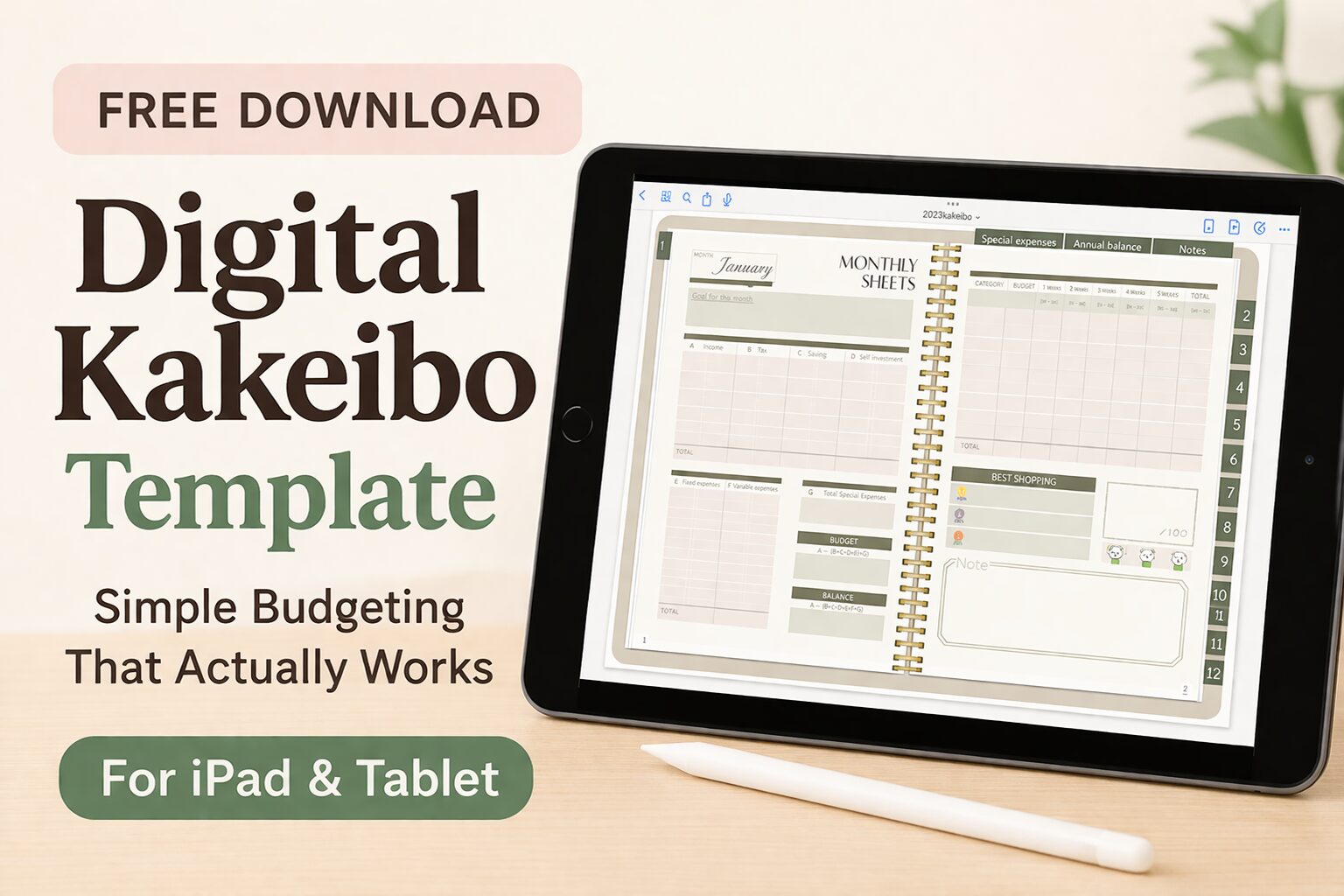
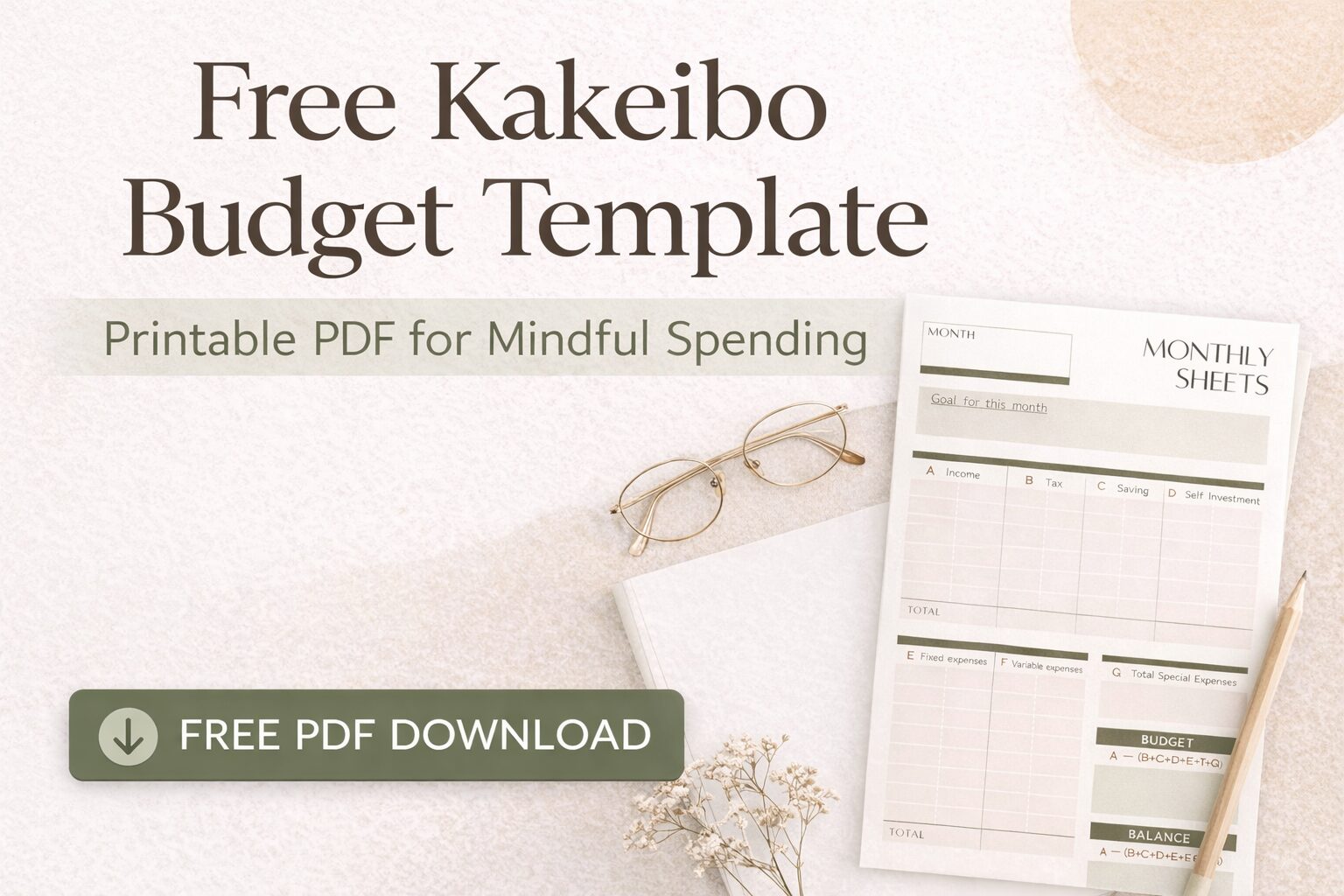
This is a Google Spreadsheet-based kakeibo designed specifically for freelancers.
Unlike regular household budgets, it allows you to:
- Manage business and personal finances separately
- Allocate shared expenses like rent and utilities
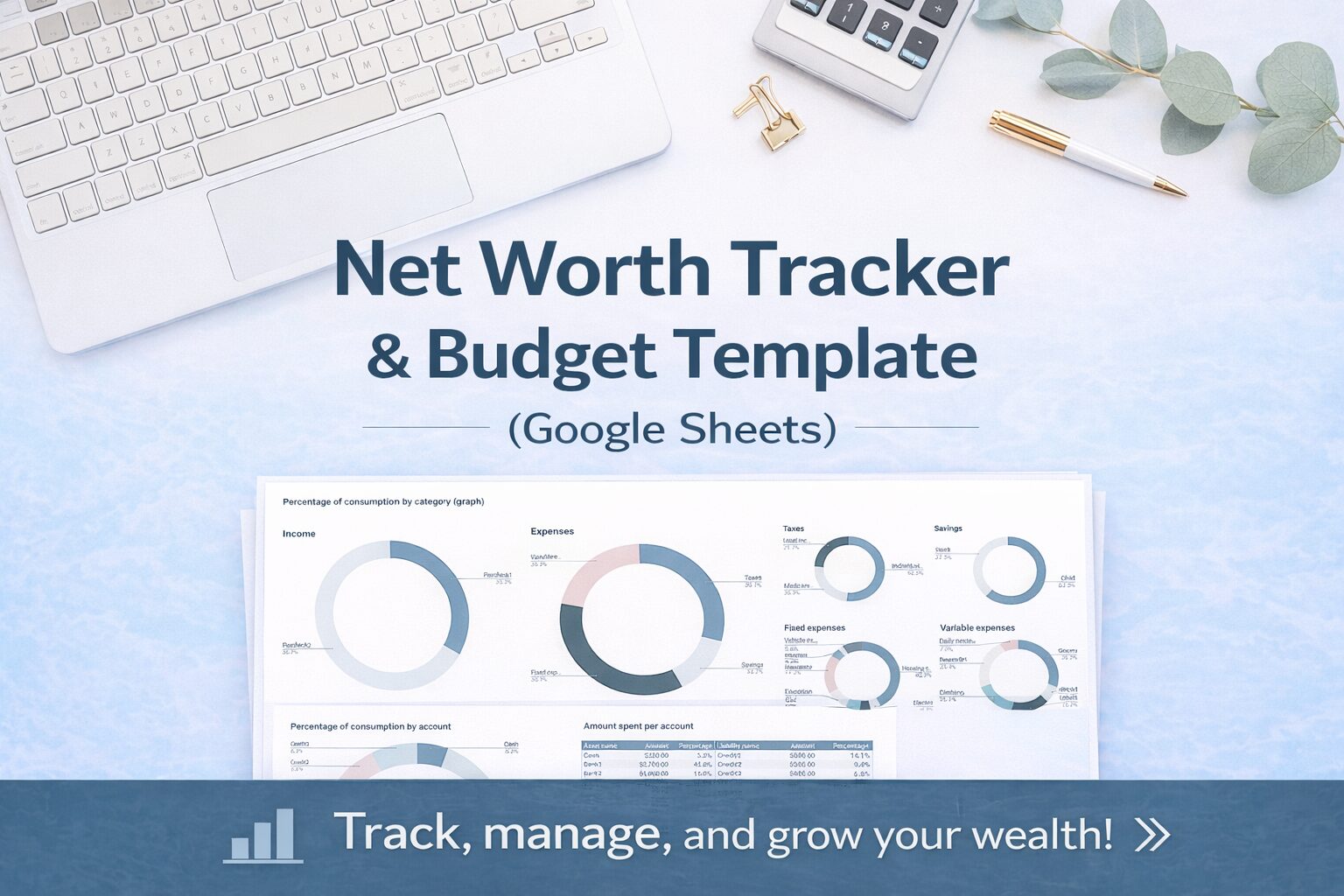
- Visualize your monthly financial flow
Because it’s cloud-based, you can use it anytime, anywhere—for free.
Key Features
1. Separate business and personal finances
You’ll have two independent systems:
- Business (Freelance)
- Personal (Living expenses)
Each includes:
- Setup Sheet
- Transaction Sheet
- Summary (Table) Sheet
This structure helps you avoid mixing money and reduces stress at tax time.
2. Easy daily input (even for beginners)
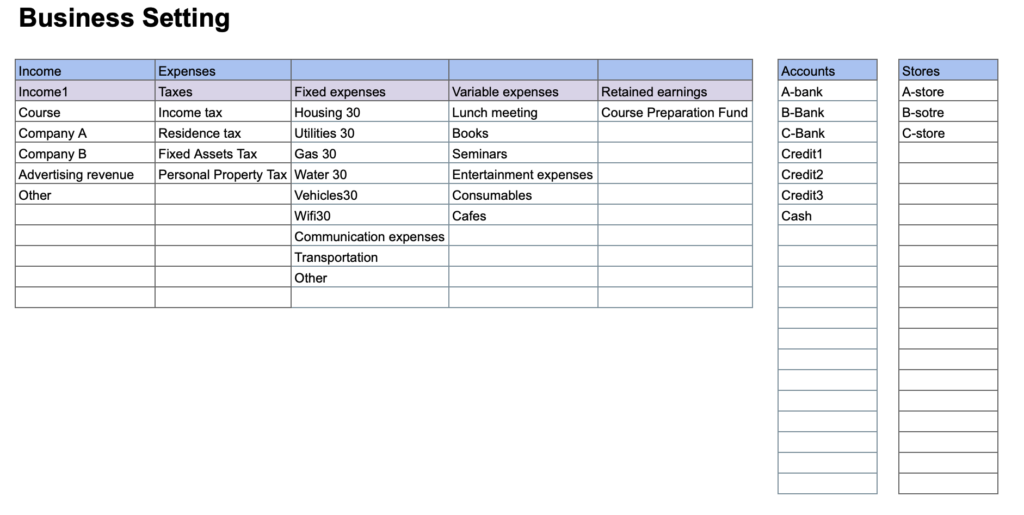
Just enter:
- Date
- Category
- Amount
- Account
- Store name
Most fields are selectable with dropdowns, so input is quick and simple.
Please enter the amount as a negative number.
3. Flexible expense categorization
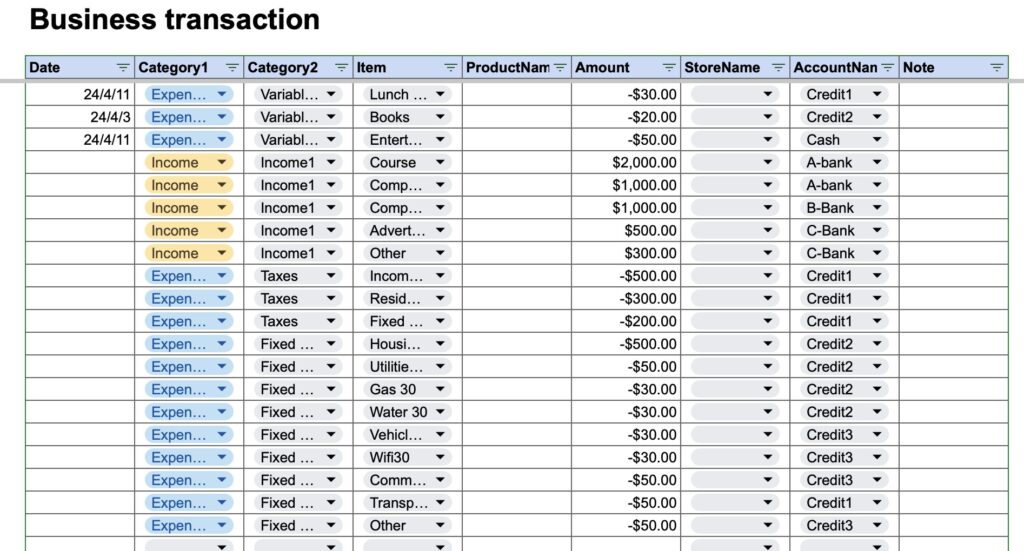
You can customize categories such as:
- Income
- Taxes
- Fixed expenses
- Variable expenses
- Savings (retained earnings)
You can even split expenses like:
- Rent → “30% business use”
- Utilities → partially allocated
This makes it practical for real freelance life.
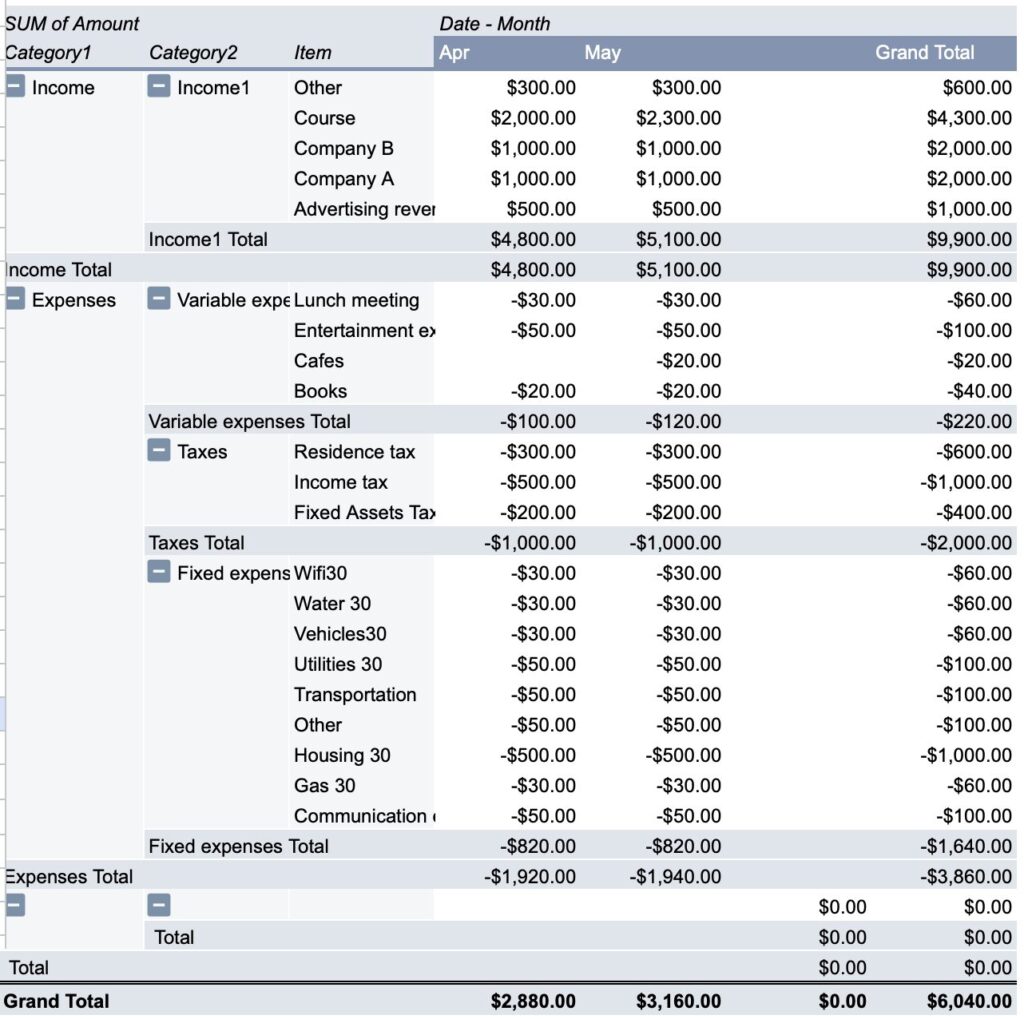
4. Visual monthly analysis
The template automatically summarizes:
- Monthly income vs expenses
- Category breakdown
- Account-based analysis
You can instantly see:
- Where your money goes
- How profitable your business is
How to Use (3 Simple Steps)
Step 1: Copy the template
This file is view-only, so first:
File → “Make a copy”
Then save it to your Google Drive.
Step 2: Set up categories
In the Setup Sheet:
- Add income types
- Add expense categories
- Register accounts and stores
Customize it to match your business.
Step 3: Record transactions
In the Transaction Sheet:
- Enter daily income & expenses
- Select categories from dropdowns
That’s it.
Your data will automatically appear in the summary.
Please enter the amount as a negative number.
Who is this for?
This template is perfect if you:
- Are a freelancer or side hustler
- Have irregular income
- Want to separate personal and business finances
- Prefer a simple but structured system
Why this works
Traditional budgeting often fails for freelancers because:
- Income is unstable
- Expenses overlap with personal life
This template solves that by:
Structuring money into “business” and “life”
So you can finally:
- Understand your real income
- Make better financial decisions
- Reduce money anxiety
Free Download
You can download the template here:
Next Step: Manage Your Income More Clearly
If you want to go further…
A budget shows “where money went”
But freelancers also need to track:
“How much they earned”
So the next step is:
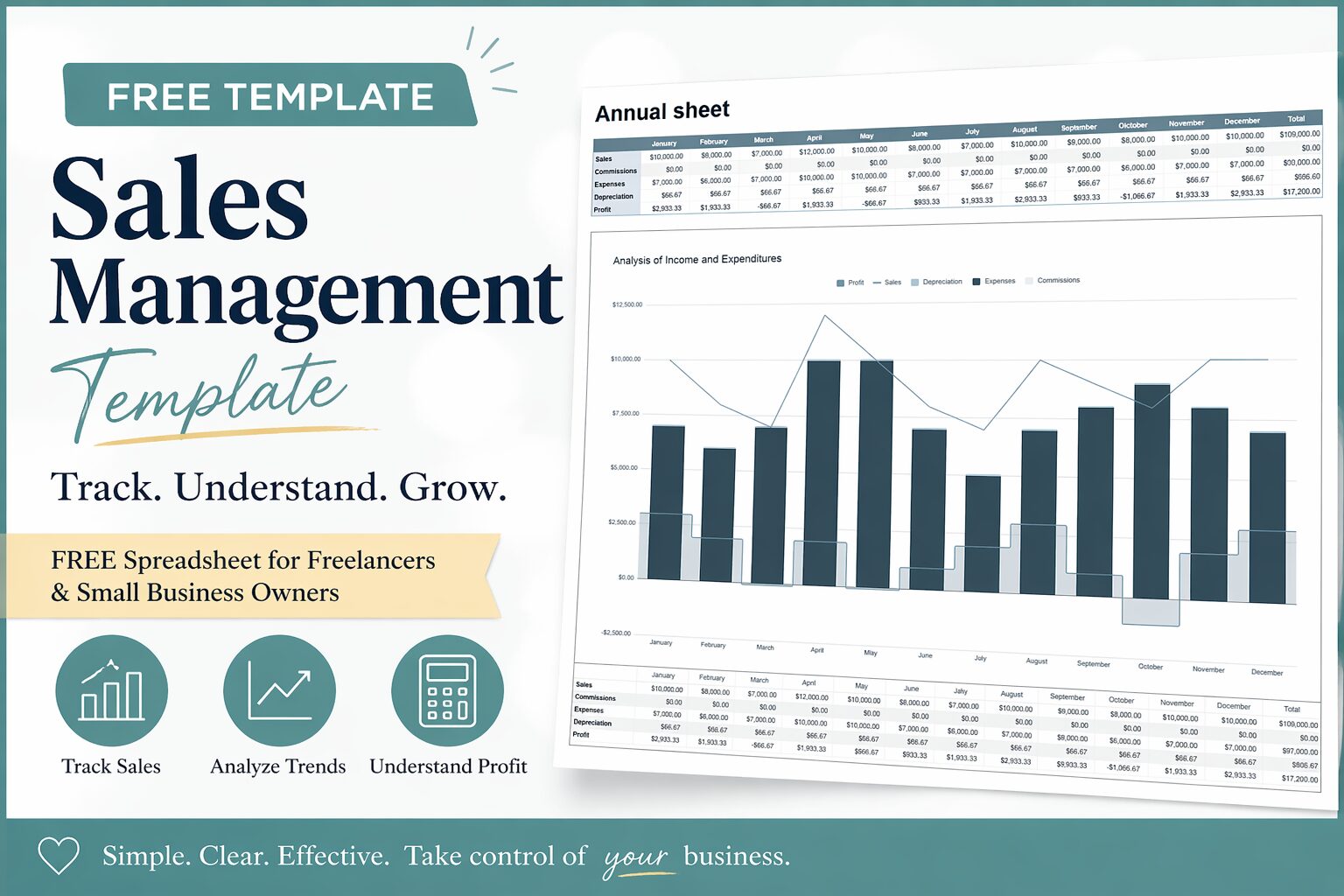
Sales Management Template (for Freelancers)
- Track revenue by product or service
- Monitor monthly sales trends
- Calculate profit more accurately
This is essential if you want to grow your income, not just manage expenses.
-
-
Sales Management Template (Free Spreadsheet)
Visualize Your Income. Grow Your Business. Do you ever feel like this? If that’s you, you’re not alone. Many freelancers and small business owners manage ...
-
-
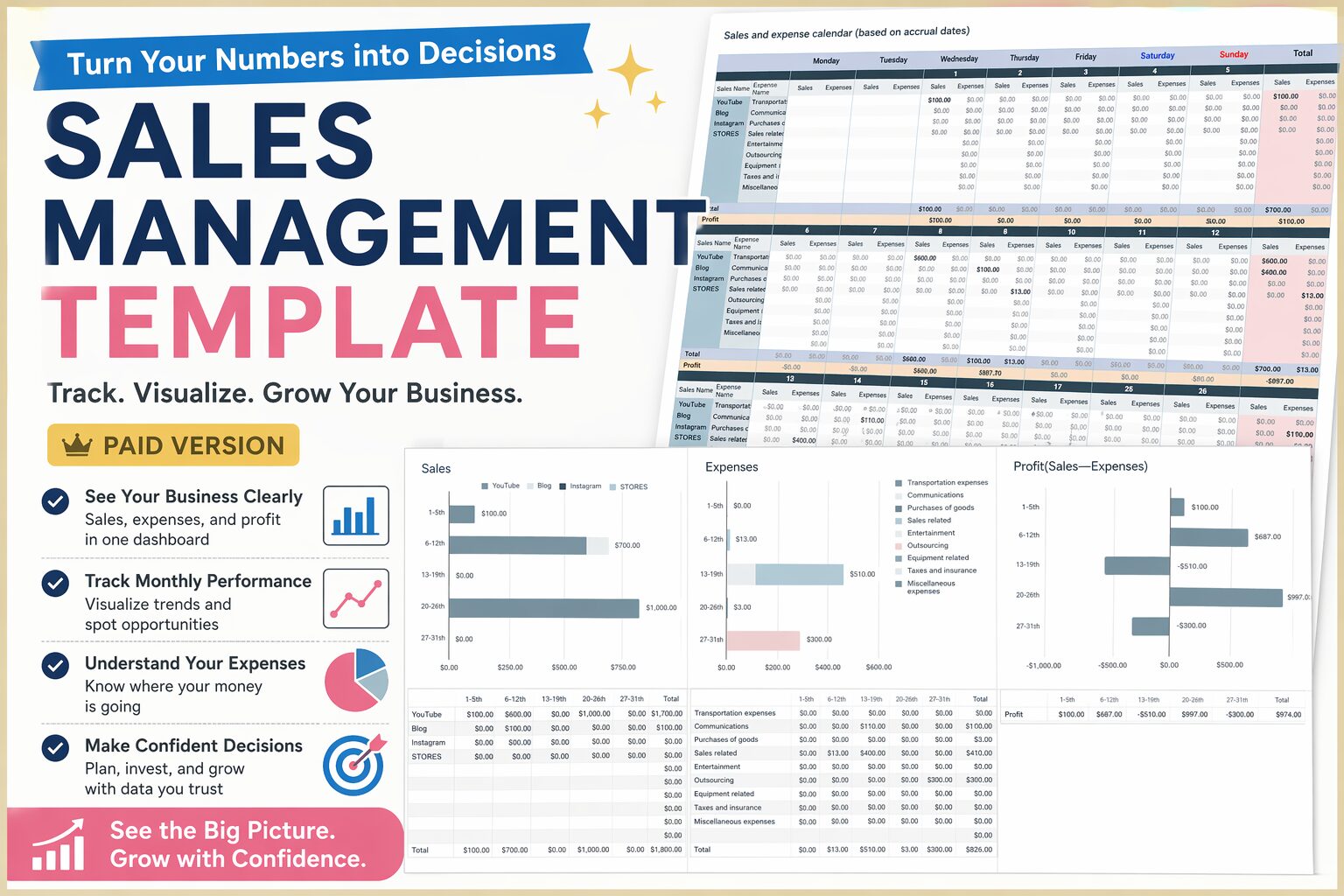
Sales Management Template (Paid Version)|Take Full Control of Your Income & Business
Do you feel like you're managing your income… but still unsure about your finances? If this sounds familiar, you’re not alone. The problem isn’t your ...
Final Thoughts
Kakeibo is not just about tracking money.
It’s about understanding your financial behavior and making intentional choices.
This template helps you:
- See your money clearly
- Separate business and life
- Build a sustainable freelance income